Cut out the middle.
Keep the good part.
Slice & Crop is a simple, free photo editor for Android. Crop to any size, slice a band out of the middle of a photo, rotate and flip, all on your phone. Every feature free, no account, your photos never leave your device.
Every feature free · Premium only removes the small banner ad.
See it in action.
Crop, slice, and save, right on your phone.
Everything you need,
nothing you don't.
Slice & Crop focuses on doing a few things well: fixing a photo fast, without an account or a subscription wall.
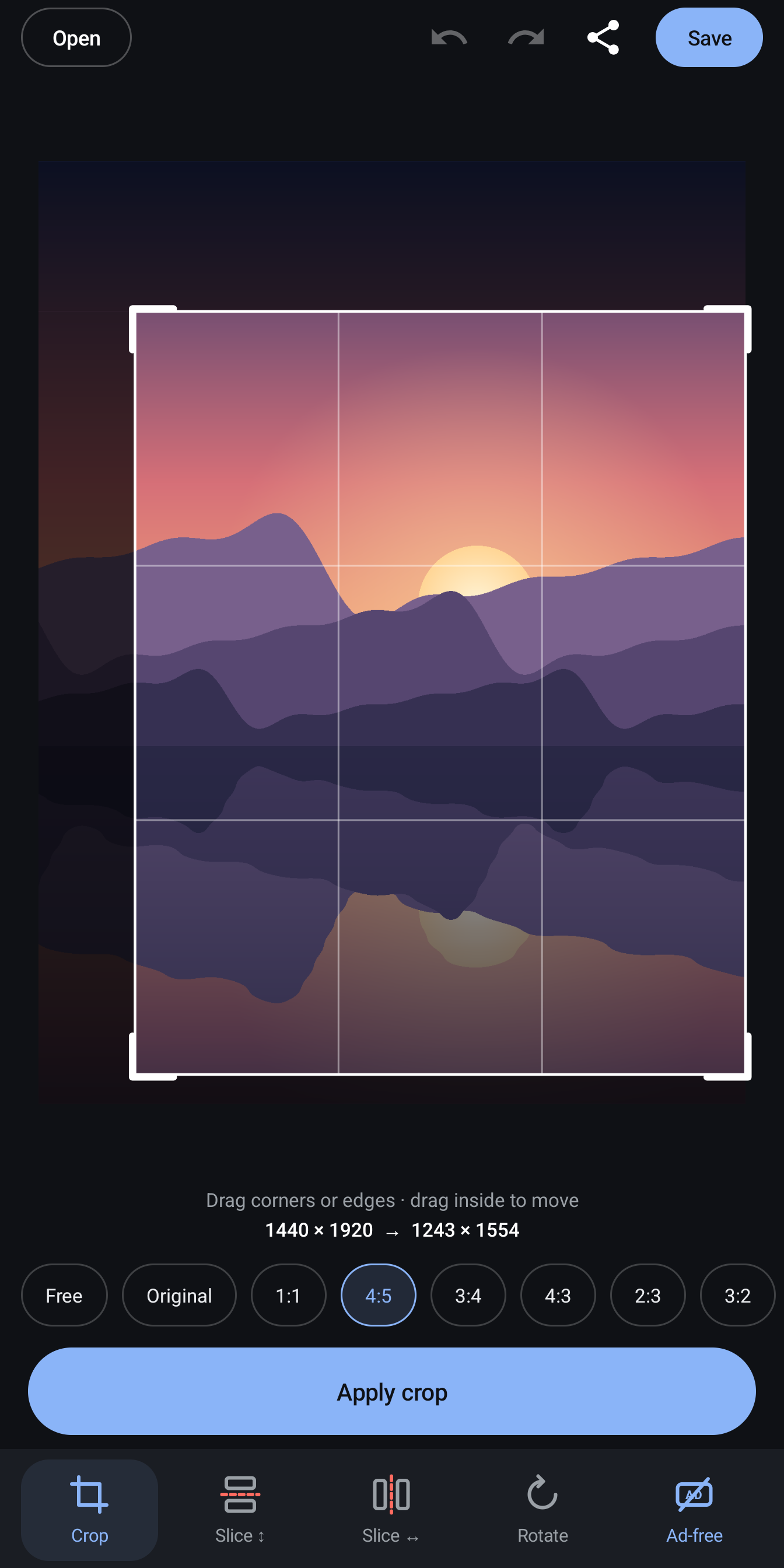
Crop
Drag a frame to exactly the part you want. Pixel-exact, at your photo's full quality and color.
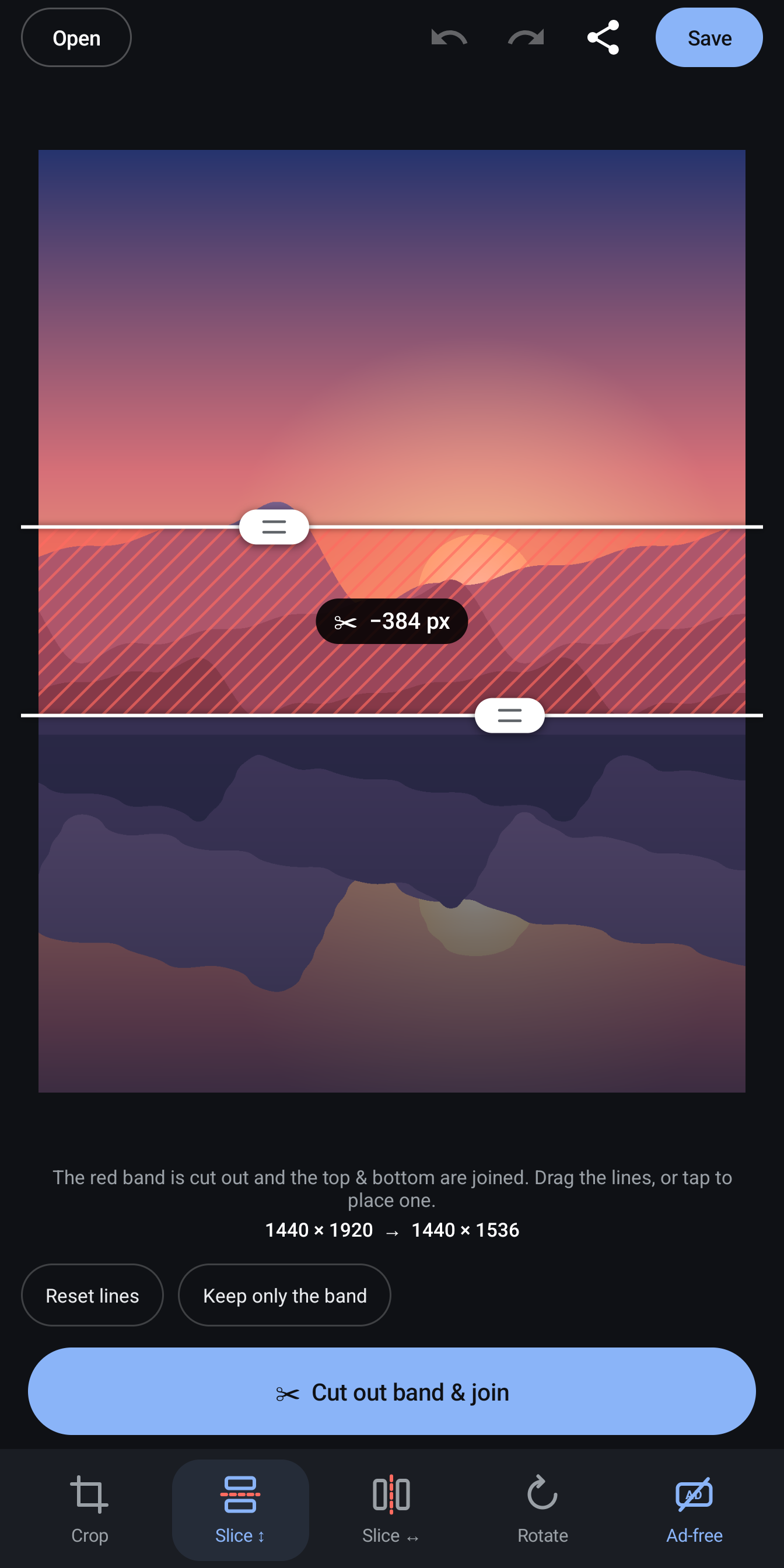
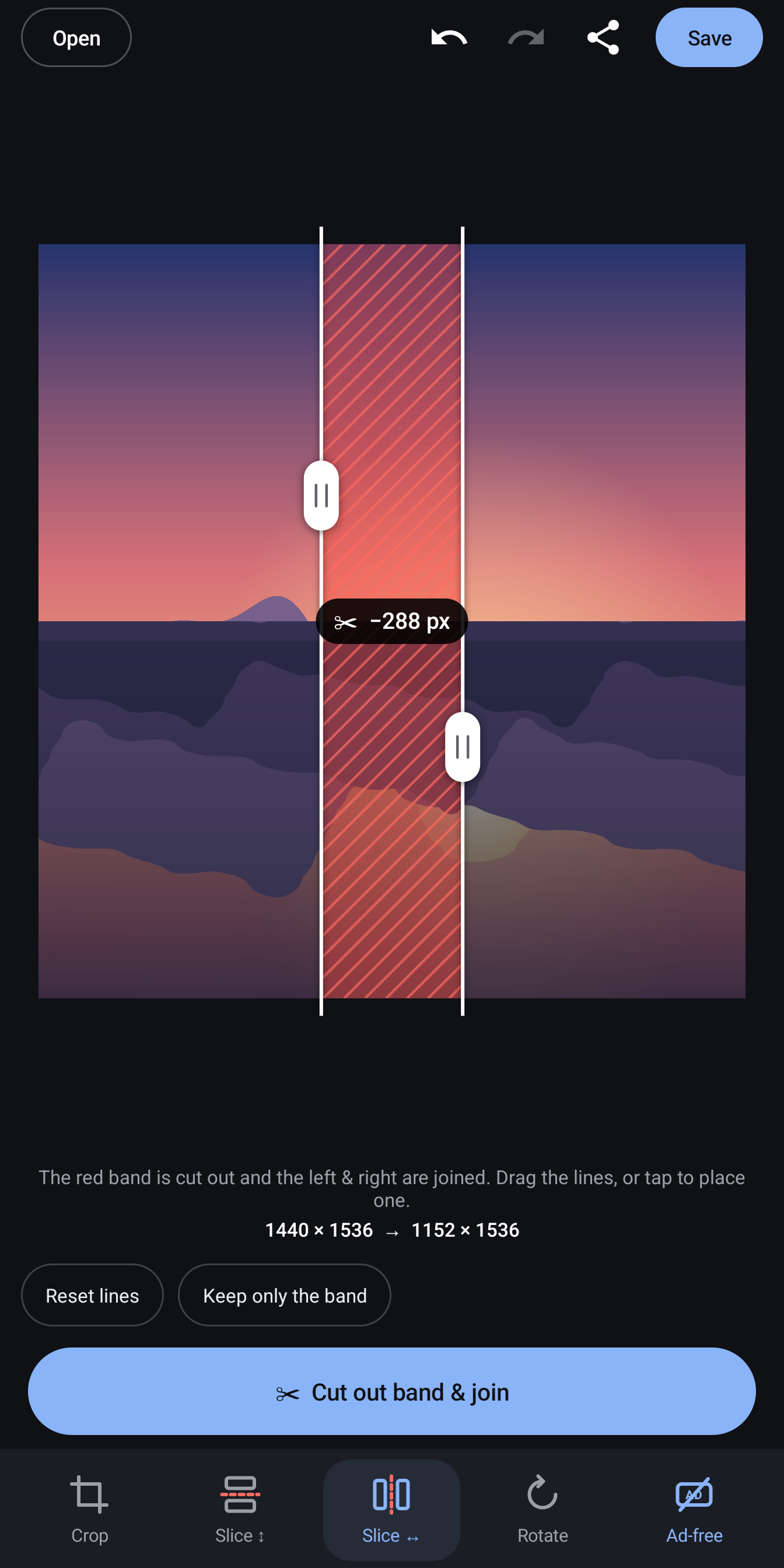
Slice out the middle
Mark a horizontal or vertical band and cut it out. The two halves join back together, clean. Great for removing a photobomber, a timestamp, or a strip you don't want.
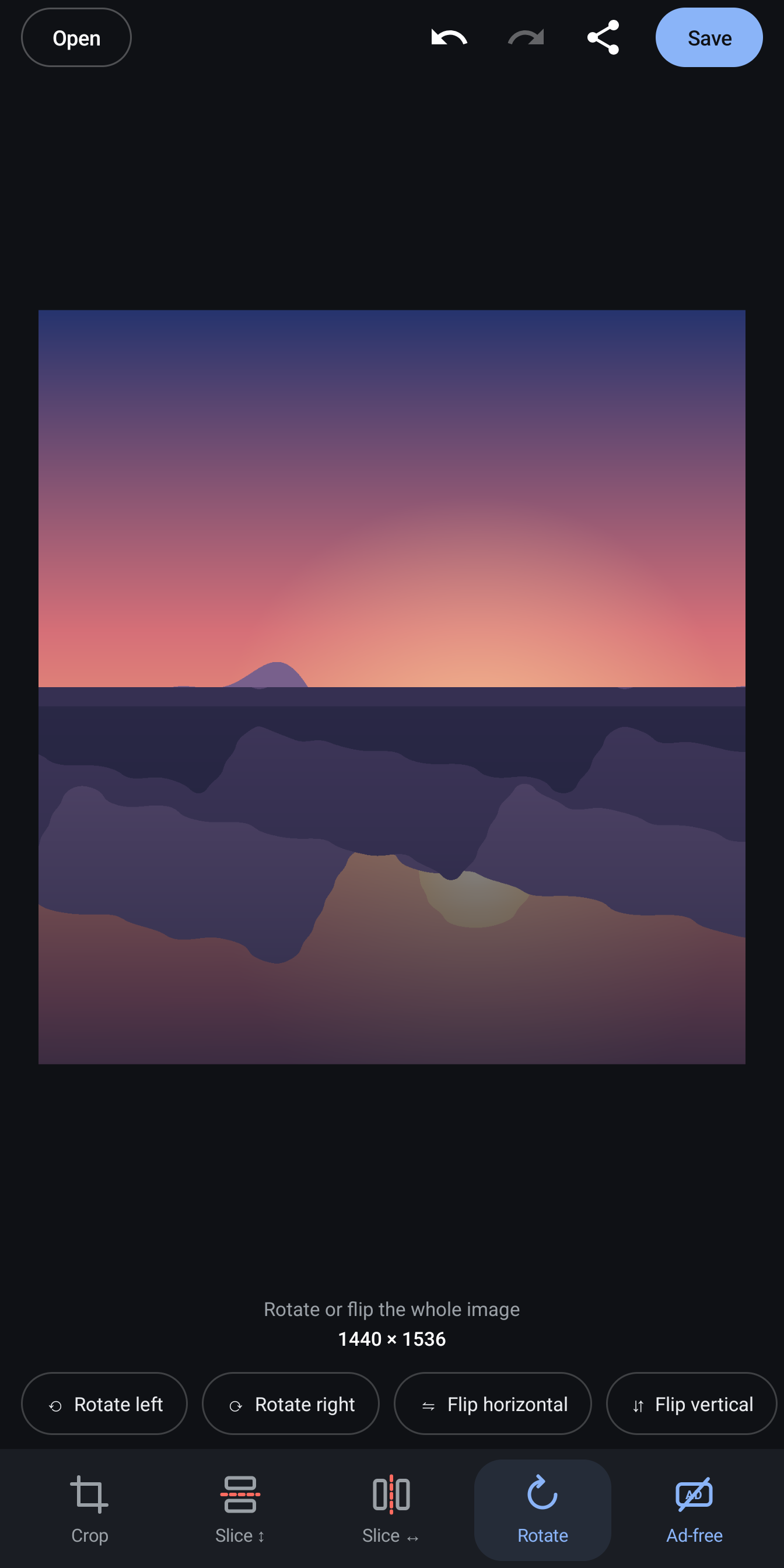
Rotate
Rotate in 90° steps until it looks right. Exact, with no fiddly angles.
Flip
Mirror your photo horizontally or vertically in one tap.
Share to edit
Open a photo from your gallery, or share one to Slice & Crop from any app.
Private by design
Every edit happens on your phone. Your photos are never uploaded anywhere.
Fixed in three steps.
Open a photo
Pick one from your gallery, or share a photo to Slice & Crop from any app.
Crop, slice, or rotate
Drag the crop frame, mark the band to cut out, or rotate the photo 90° at a time.
Save it
Save the finished photo to your phone and share it anywhere.
Simple pricing.
Every feature is free. Premium only removes the small banner ad.
Free
- Every feature, no limits
- Crop, slice, rotate, flip
- Share to edit from any app
- On-device, private
- Small banner ad at the bottom
Premium
- Everything in Free
- No banner ad
- That's it — no locked features
Lifetime
- Everything in Premium
- Pay once, ad-free forever
- All future updates
Don't want to pay? Watch 1 short ad to hide the banner for 24 hours, no purchase required.
Coming soon to Google Play.
Slice & Crop is in final testing and will be free on the Google Play Store soon. No account required.
Coming Soon to Google PlayRequires Android 12 or later.
From the blog.
Practical guides to fixing your photos.